

Removing service
If you no longer want a service to be bookable, you have two options:
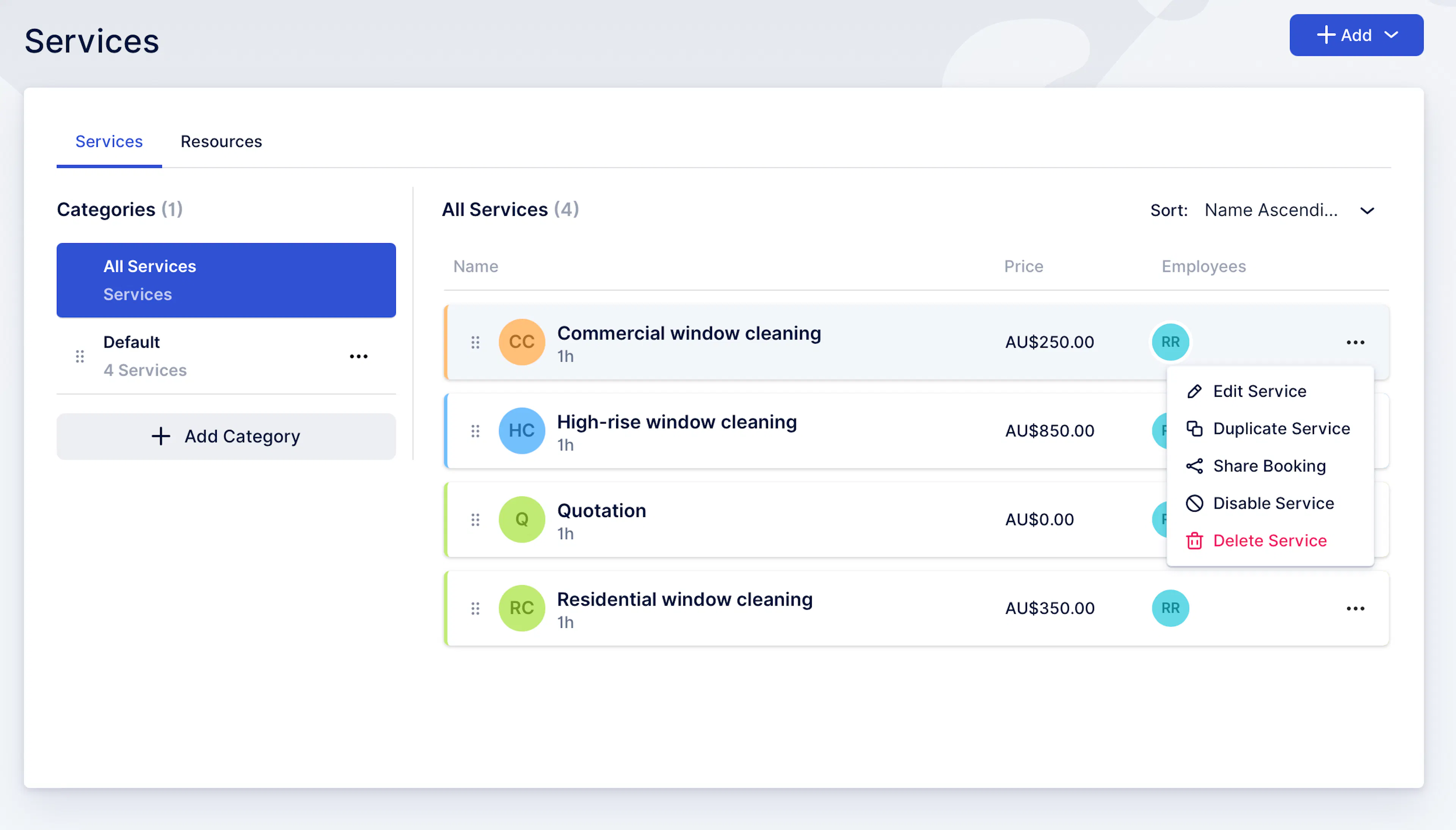
Option A — Disable service (recommended)
Disabling hides the service from booking, but keeps it in your system for history/reporting.
-
Go to Services
-
Click the ••• menu on the service
-
Select Disable Service
-
Confirm
Use this when:
-
you’re pausing a service temporarily
-
you don’t want customers booking it anymore
-
you want to keep past bookings tidy
Option B — Delete service (permanent)
Deleting removes the service permanently. Only do this if you’re sure you won’t need it again.
-
Go to Services
-
Click the ••• menu on the service
-
Select Delete Service
-
Confirm
Rule of thumb: If in doubt, Disable instead of Delete.
Was this page helpful?